A person on the steps that matter.
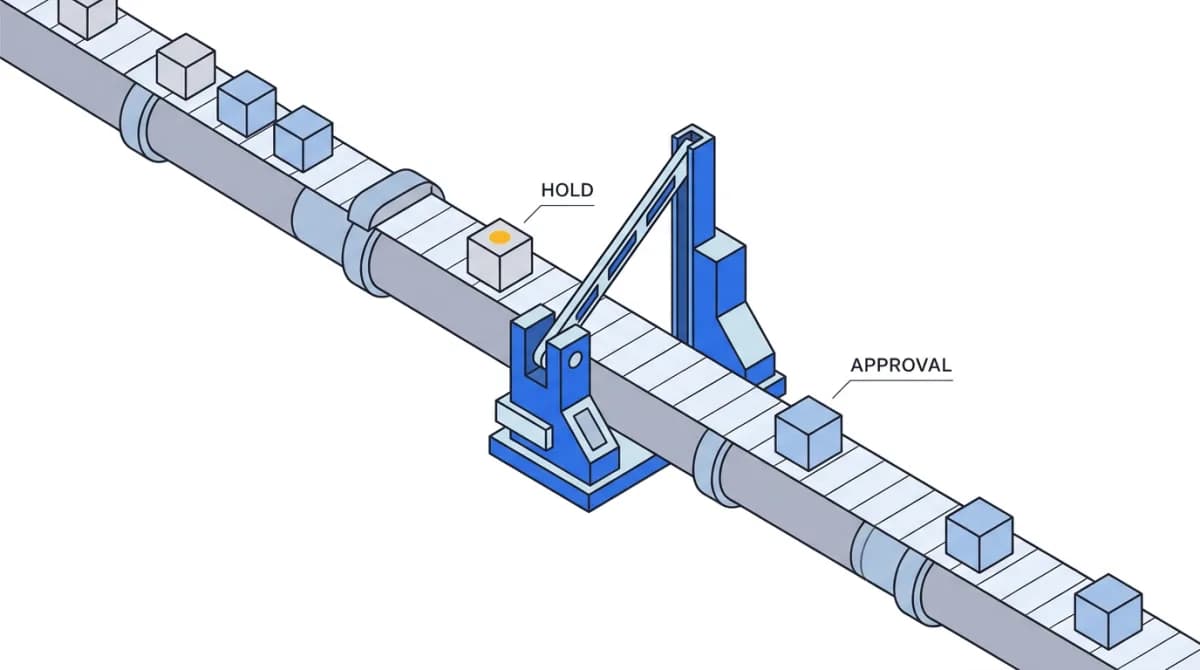
An approval step pauses the run and asks a named person. They see what is about to happen, approve or send it back, and the decision is part of the record.
Built in. Nothing to configure.
An approval is a step
Drop it anywhere on the canvas. Everything before it runs; nothing after it runs until someone says so.
Roles, not everyone
Set the approver roles on the step. The request goes to the people in those roles.
An SLA in hours
Give the approver a window. The approvals inbox shows what is waiting and what is late.
Send it back with a note
An approver can reject with a reason instead of approving. The note lands on the run so whoever fixes it knows why.
One place to decide
An approvals workspace lists everything pending, with the inputs, the draft, and the policy that put it there.
The decision stays with the run
Who approved, when, and what they changed is written to the run and to the audit log.
Three steps, then it runs.
- The run reaches the approval stepIt pauses. The approver gets the request with the context and the proposed action.
- A person decidesApprove, or send it back with a note. If nobody acts inside the window, it shows as overdue.
- The run continues, with the decision attachedThe step after the approval runs. The record shows the approver, the time, and any edits.
One workspace, the rest of the job.
See it on your stack.
30 minutes with our team. We'll walk you through governance, audit, evals — and answer everything procurement will ask. Bring your own NDA; we'll sign in 24 hours.